Overview and toolchain
This handbook covers the production pipeline for creating 3D models, animations, and textures for Digital Combat Simulator (DCS World) using Blender as the primary modelling tool and the EDM exporter as the bridge to the DCS engine.
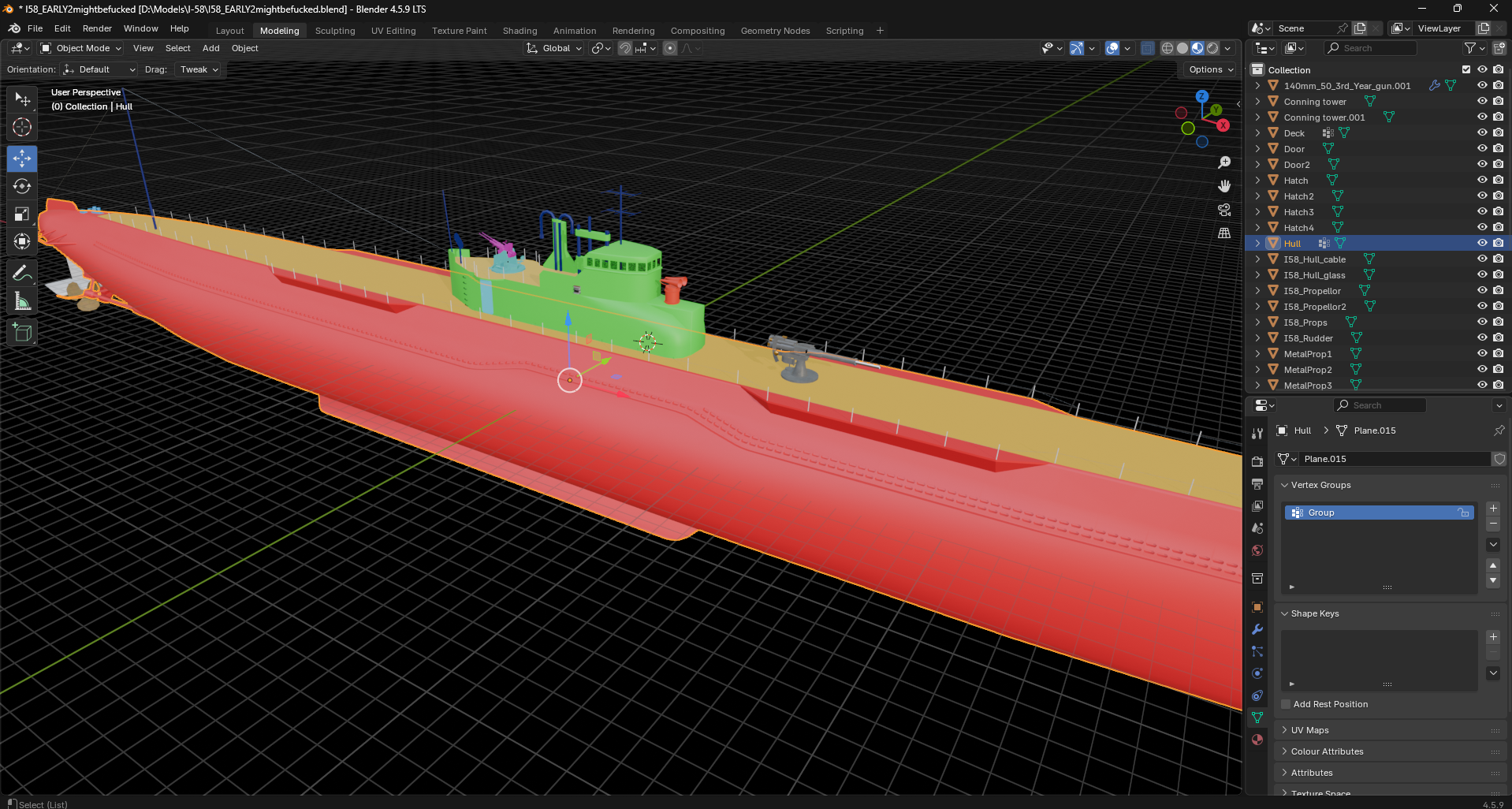
What is the EDM exporter
IO_Scene_EDM is the official Eagle Dynamics Blender add-on that exports scenes to .edm, the model format used by DCS World. It replaces the older 3ds Max-only pipeline and is the recommended path for new modders.
The exporter handles:
- Geometry export with multiple LODs
- Animation arguments linking object transforms to engine values (gun elevation, gear retraction, etc.)
- Materials through a custom shader node system
- Lighting (real lamps, fake light points, surface mode lights)
- Damage systems (texture-based and geometry-based)
- Connectors, bounding boxes, and collision geometry
- Bone deformations for skeletal animation
What this handbook covers
| Topic | Doc |
|---|---|
| Installing the exporter and configuring Blender | 01 — Installation |
| Preparing geometry, hierarchies, LODs, and animation arguments | 02 — Geometry & Animation |
| Setting up materials, textures, decals, and the deck/glass shaders | 03 — Materials & Textures |
| Lighting systems, the damage model, and number decals | 04 — Lighting & Damage |
| Bridging Blender with 3ds Max and Substance Painter | 05 — FBX pipeline (planned) |
| Texturing workflow with Substance Painter | 06 — Substance Painter (planned) |
| Common errors and their fixes | 07 — Troubleshooting (planned) |
What this handbook does not cover
- DCS Lua scripting (mission scripting, MOOSE, MIST). That is a separate domain with its own community resources.
- Texture painting fundamentals beyond what is needed to integrate with the EDM exporter.
- Aerodynamic flight model authoring, which uses entirely different tools and conventions.
- Cockpit programming (clickable cockpits, avionics simulation).
- Mission file authoring, terrain creation, or weapon balance.
Toolchain at a glance
A typical DCS modelling pipeline involves several tools, only some of which are strictly required:
| Tool | Required? | Purpose |
|---|---|---|
| Blender (LTS 4.2 or 4.5) | Required | Primary modelling, UV unwrapping, scene assembly |
| EDM exporter add-on | Required | Exports .edm files for DCS |
| DCS Model Viewer | Required | Validates exported models outside the simulator |
| Photoshop with DDS plugin | Required for textures | Saves textures in BC1 / BC3 / BC5 DDS formats |
| Substance Painter | Optional | High-quality PBR texturing |
| 3ds Max | Optional | Some legacy workflows still use Max for specific export paths |
| Materialize | Optional | Generates normal/AO/RM maps from photographs |
| xNormal / Marmoset | Optional | Baking high-poly to low-poly |
The official ED tutorial videos focus on the Blender → EDM path. This handbook also documents the FBX bridge to 3ds Max and the Substance Painter integration in separate chapters, since those are common in real-world modding but are not part of ED's official tutorial series.
Reading order
If you are working through this handbook for the first time, read in numerical order. Each chapter assumes the previous one. The reference files in docs/reference/ are designed to be used as you work, not read top-to-bottom.
Feedback
If anything in this handbook is wrong, unclear, or out of date, please open an issue or a pull request. See Contributing.